Change the last shot
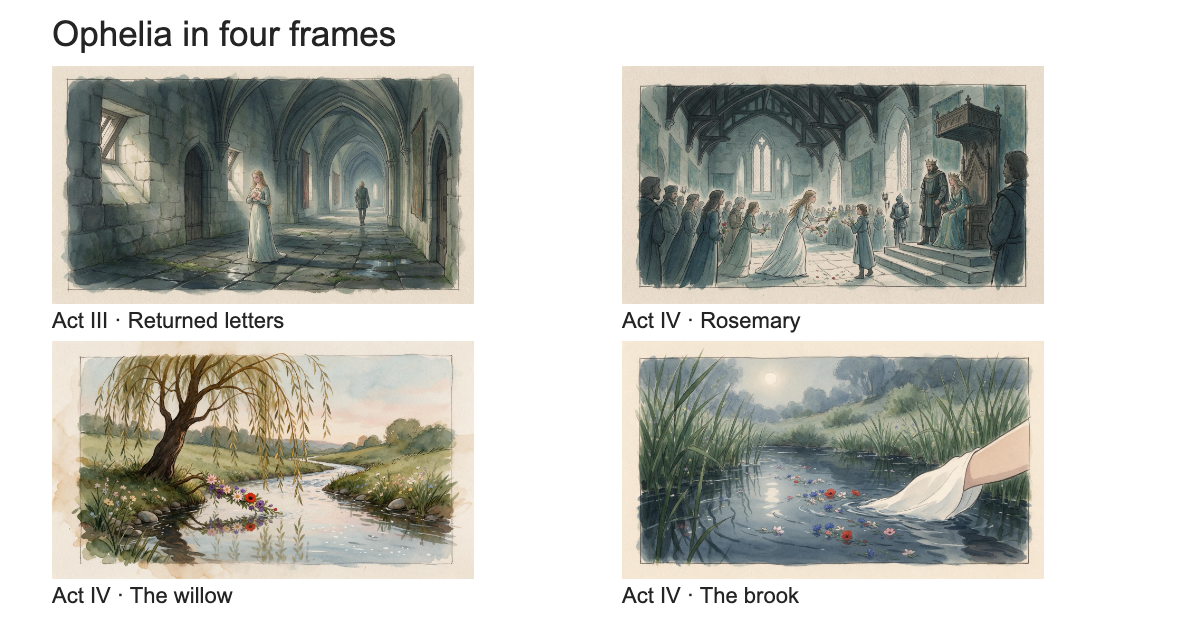
The first two panels follow Ophelia. The last two hold on the tree and the water. Click a picture, then Shift-click its caption to move them together. Swap the brook and willow, then write when you want the audience to understand what happened.
Download the editable project (.galta) Save the sheet (PNG) · Save on Pinterest
On your computer, open Galta, click the canvas name, then the three dots and Import canvas. Each picture and label moves independently. The local canvas is free and requires no account.
Check supported browsers and installation options
Use Galta in Chrome on a computer. Email yourself the guide for your computer
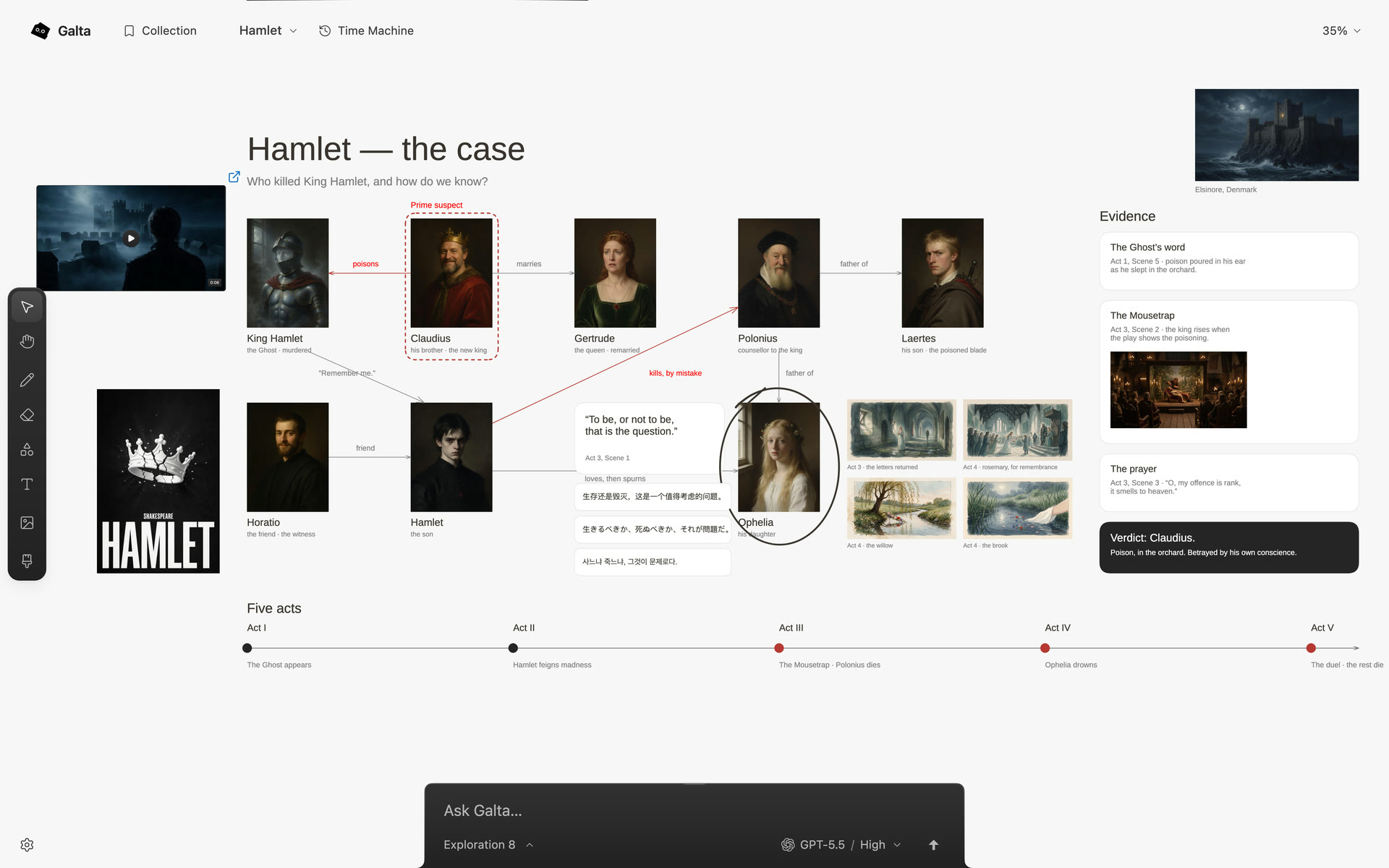
From the page to the shot
The letters come from Act III. The flowers and Gertrude’s account of the drowning come from Act IV. Showing an empty willow and moving water is a choice made for this visual adaptation. Compare it with the original Galta project.