Start with local work
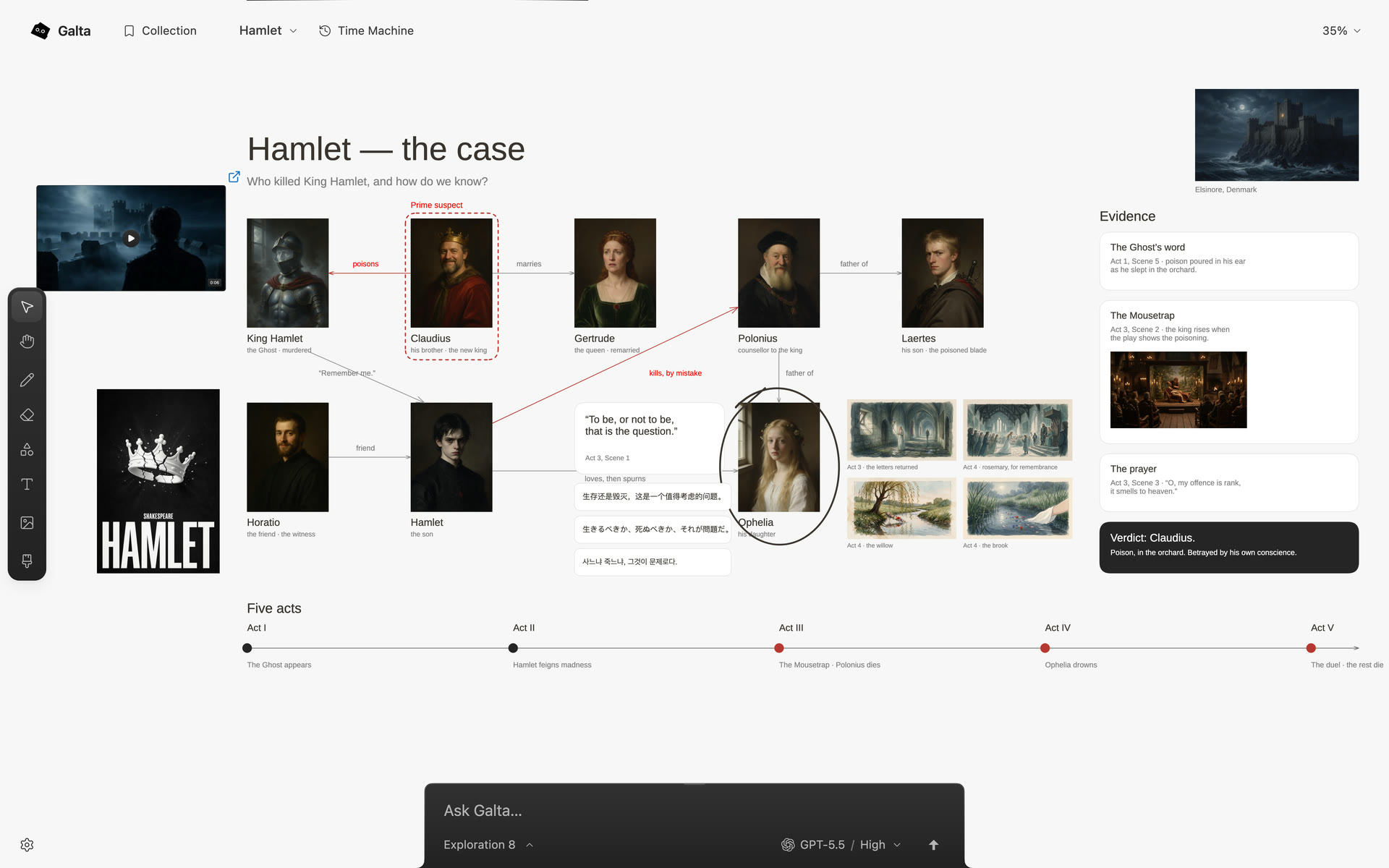
Galta’s canvas, Collection, drawing and version history work in the current browser profile without an account or an agent. You can collect references, arrange them and export a project before connecting anything else.
That keeps the first step close to the work. An Aha Labs sign-in is optional identity; it does not upload, back up or sync your canvases.
What stays on this computer
Canvas records, imported text and media, source URLs, versions and readable conversation records stay in the browser profile. The Mac runtime also keeps its local workspaces, task records and generated files on the Mac.
Different browsers and profiles have separate data. A local canvas is not automatically available in another profile or on another device.
What leaves the local boundary
When you connect an agent and ask it to work, the request and the canvas context needed for that task can be sent to the agent’s service. A page you authorize can provide its text or screenshot as context.
Image, video and audio generation is separate. A connected provider receives the media and instructions needed for the request, charges its own account and follows its own retention policy. Read the privacy page before using private material.
Back up the work deliberately
- Open the canvas and let any work you want included finish.
- Choose Export canvas from the canvas actions menu.
- Keep the
.galtafile somewhere safe. - Import a copy and check the artwork, media, history and conversations before removing the original.
Collection is separate from a canvas. Drag references you want to keep onto the canvas before exporting. The backup guide lists what travels with the file.
Know when this model fits
Local-first storage fits when you want the canvas available without a service account, want to decide which tasks leave the browser and can keep your own exports.
Cloud sync is not available today. If cross-device sync is your first requirement, Galta is not the right fit yet. If the work needs a persistent visual field with explicit boundaries, start locally and connect an agent only when the task calls for it.