When chat is enough
Use a chat when the task is already clear and the useful result is a reply: explain a concept, rewrite a paragraph, or answer a narrow question. A linear exchange is the simpler tool when there is little surrounding material to keep.
When the task becomes spatial
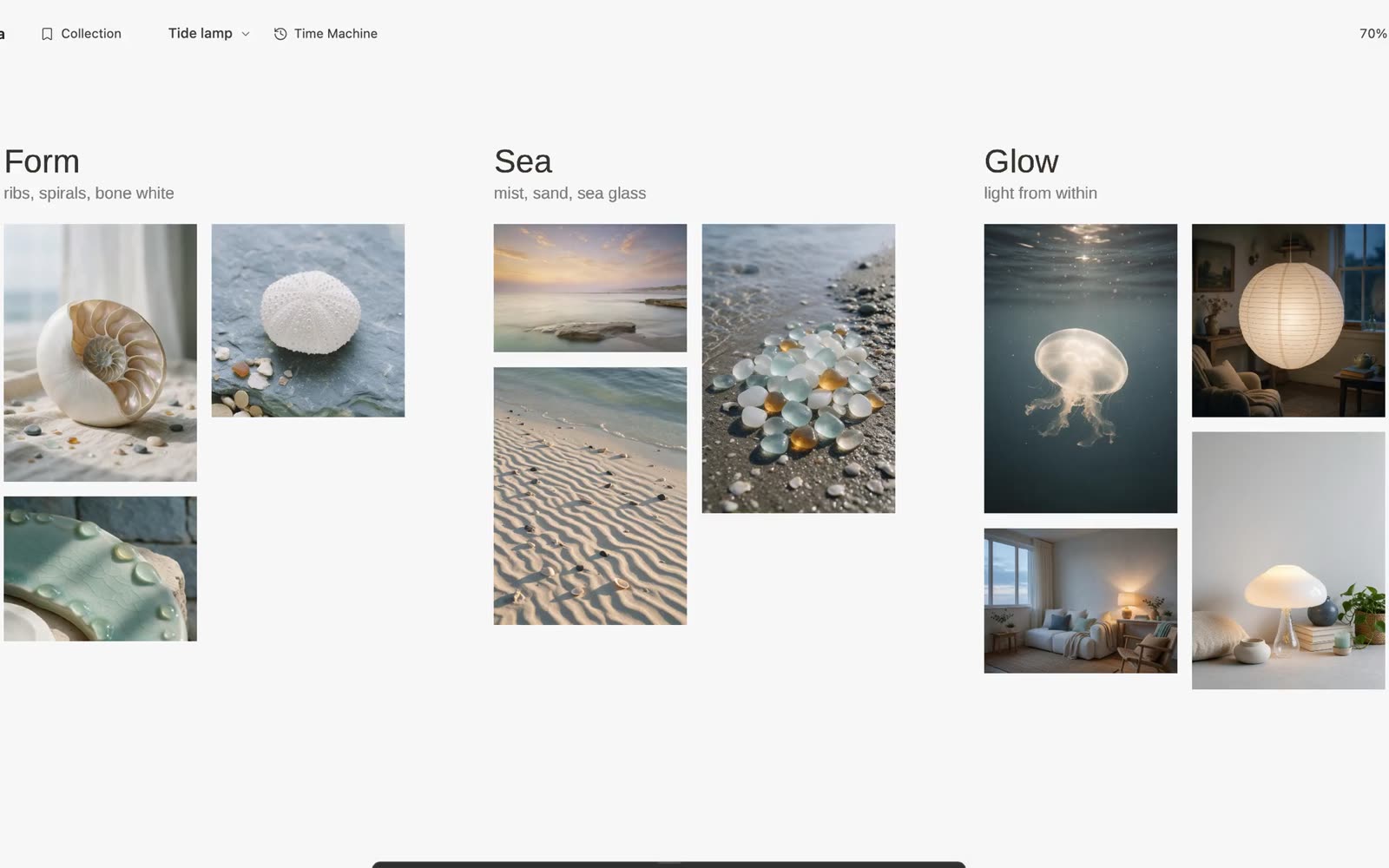
Reach for a canvas when the work depends on relationships: which references belong together, what a sketch borrows from a photograph, or how a page should grow from the material around it.
Galta keeps those inputs in one field. You can place a reference beside the note that explains it, leave a contradiction in view, and keep the result next to what it changed.
Try the same task on a canvas
- Collect a few references from the page you are browsing and place them on a canvas.
- Add one sentence describing the decision you are trying to make.
- Ask the agent to arrange two directions and explain the evidence for each.
- Point at one detail and request a small revision.
- Compare the result with the original, then keep or revisit a version.
The canvas gives the agent the whole field while your gesture says where to look first. The request remains inspectable after the response ends.
What stays under your control
You decide what enters the canvas, which page an agent may read, what gets changed and which version becomes the next starting point. An agent connection is optional; the canvas, Collection and local history work without one.
Generation is also optional and uses your own connected provider account. Provider charges and data policies stay separate from Galta.
Choose the surface that matches the work
Keep using chat for a self-contained answer. Use bookmarks when you only need to save links. Use a whiteboard when the group needs a shared meeting surface. Galta fits when references, visual relationships and the next edit need to remain together.
Export a canvas when you need a separate backup. Local storage is not cloud sync, and keeping a source link does not grant permission to reuse someone else’s work.