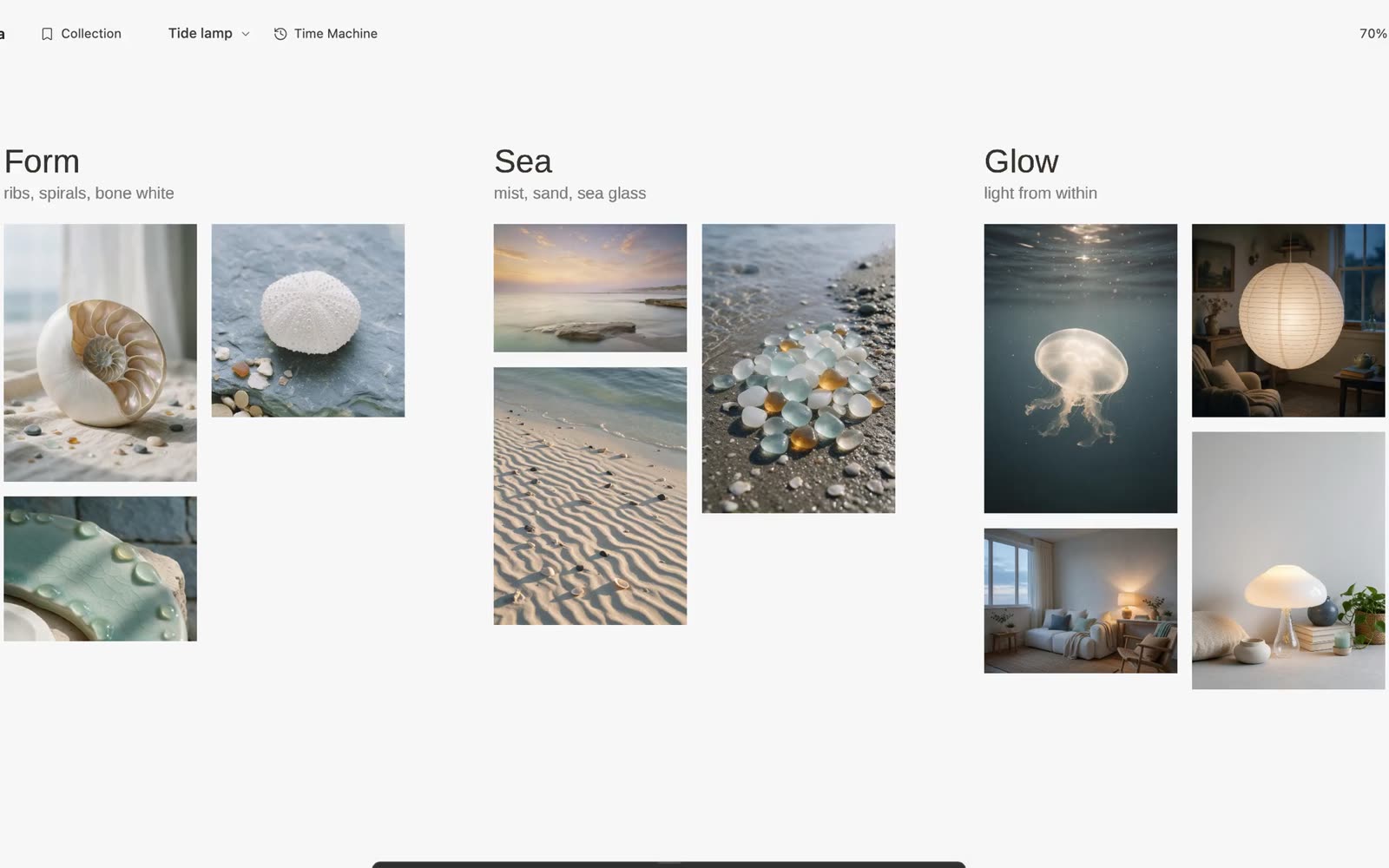
Start with real references
A moodboard with sources pairs each visual reference with the page it came from, so a direction can be checked instead of becoming an anonymous collage. Galta is an AI moodboard tool for visual research: it keeps the reference, its source and the reason you kept it in one open field. It starts with material you found, not a blank prompt.
Open Galta beside the page you are browsing, collect the references that matter and bring them onto one canvas. Each collected item keeps its source, so the board can point back to the original work instead of turning research into an anonymous image grid.
Turn a collection into a direction
Add a short note beside the references: what repeats, what conflicts and what should change. Put two possible treatments next to each other, then keep the evidence for each one visible. The point of a moodboard is not to gather the most images; it is to make a choice easier to inspect.
When an agent is connected, ask it to name the directions, group the references and explain which details support each one. You can move an item or draw a mark yourself before asking for another pass.
Ask from the canvas, not from a blank prompt
Point at the detail that needs work: “Keep this silhouette, but use the quieter material from the lower row.” The whole canvas remains available as context, while your selection shows where to look first. Codex and Claude Code are optional connections; collecting, drawing and arranging work without them.
Generation is also optional and uses your own provider account. Galta is useful when you want to carry a visual decision into an image, a working page or a film, while keeping the references beside the result.
Know when a moodboard tool is enough
If you only need to save a few links, browser bookmarks may be the better tool. Galta fits when you need to compare visual research, preserve where it came from and continue making on the same surface.
The canvas stays in the current browser profile and does not provide cloud sync. Keeping a source link does not grant permission to reuse an image; check the rights before publishing or sharing the finished work.